Step 1
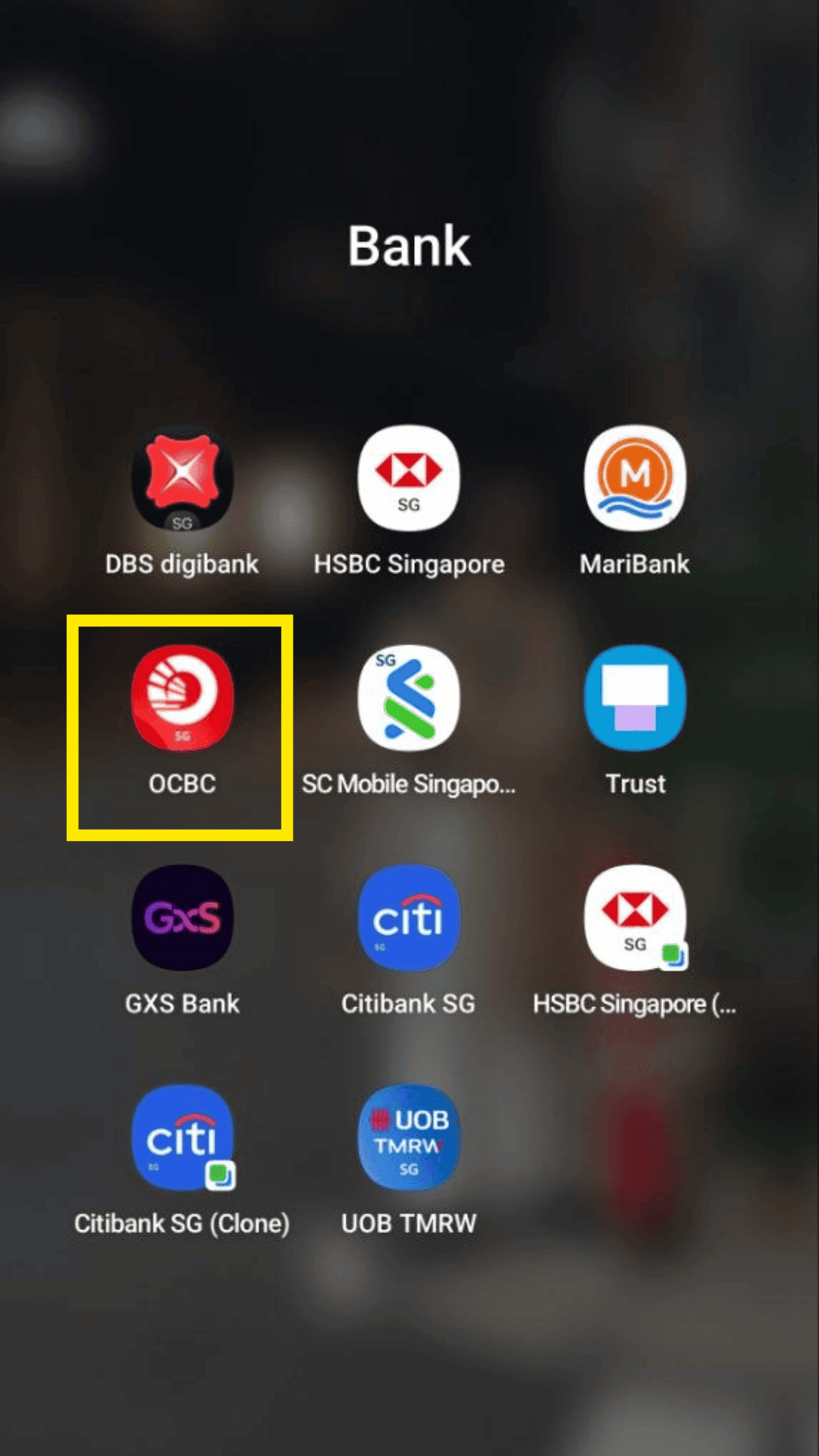
Open and login to your OCBC mobile banking app.
Bank guide
Enable transaction-alert emails inside your mobile banking app.
Step 1
Open and login to your OCBC mobile banking app.
Step 2
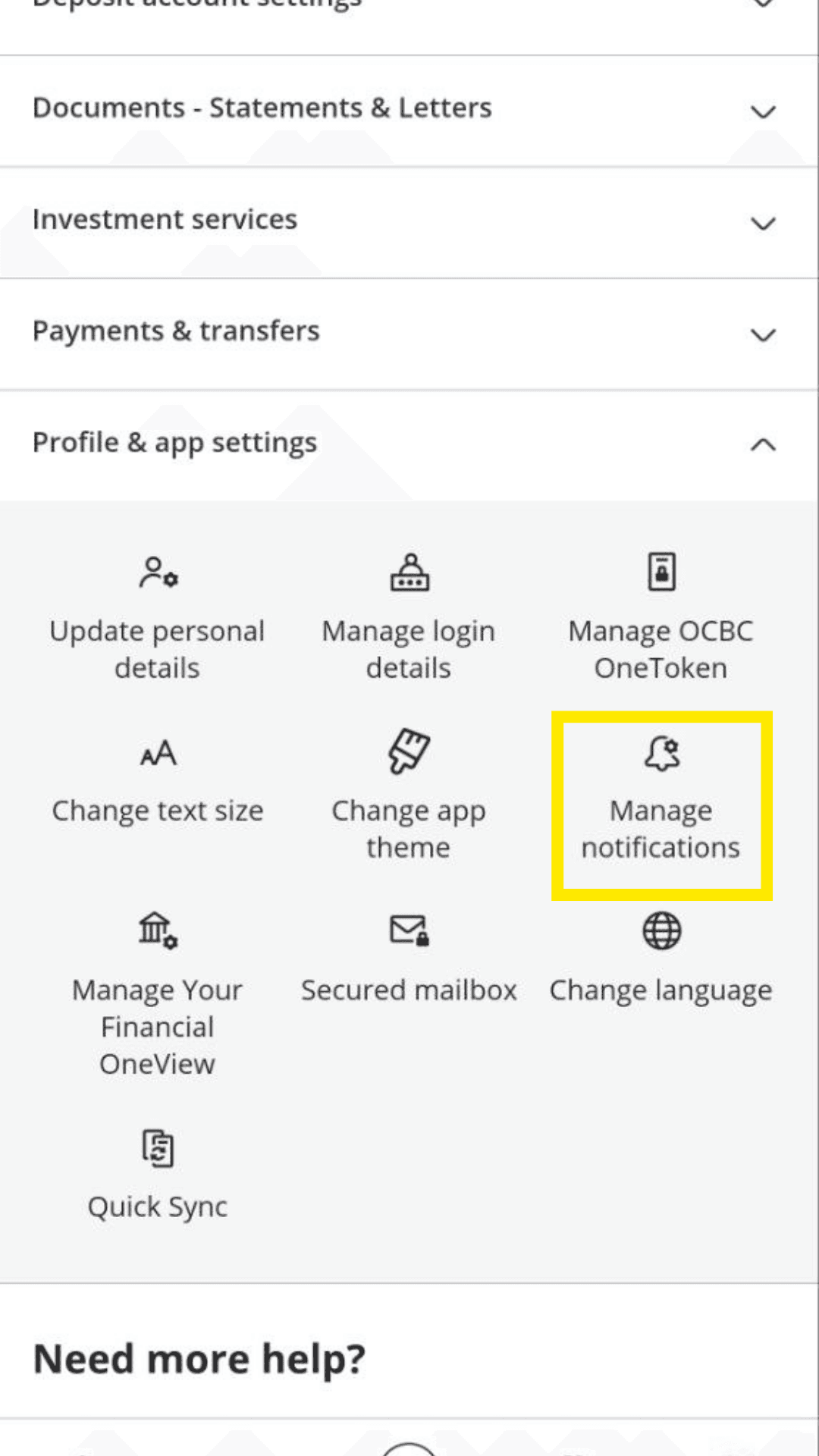
Go to More > Profile & app settings, and click on Manage Notifications.
Step 3
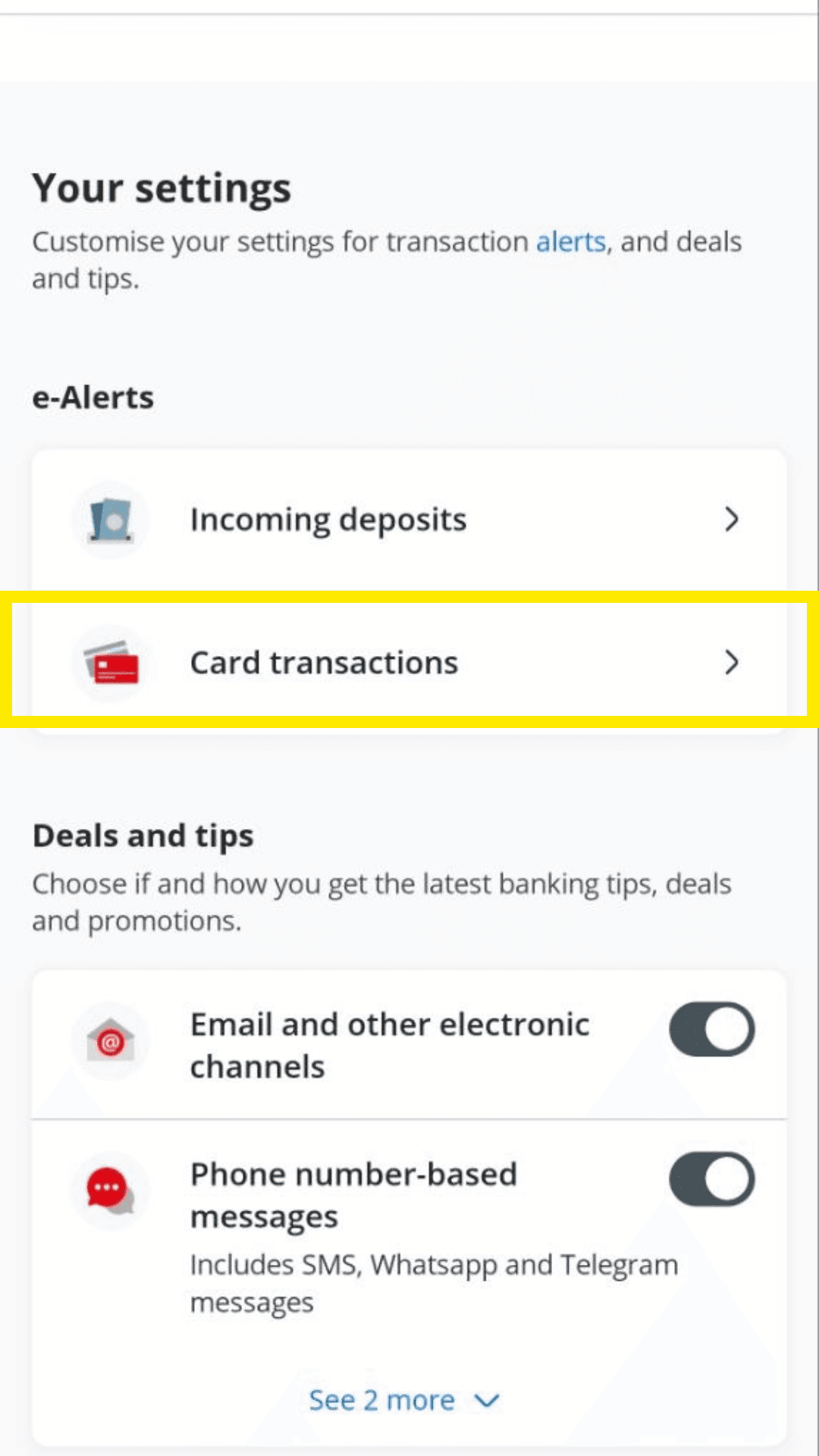
Click on Card transactions under e-alerts.
Step 4
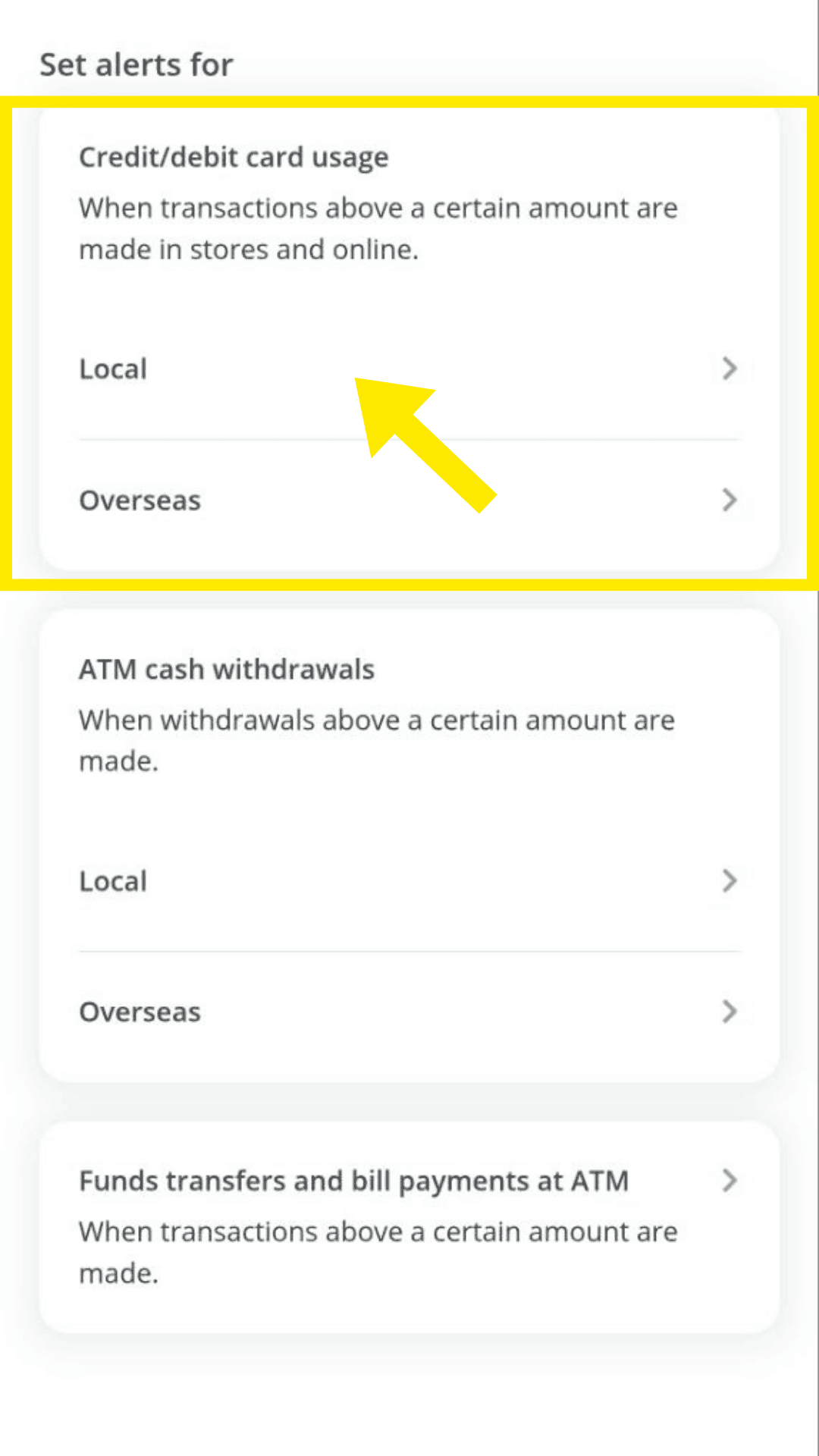
Click on Local under Credit/debit card usage.
Step 5
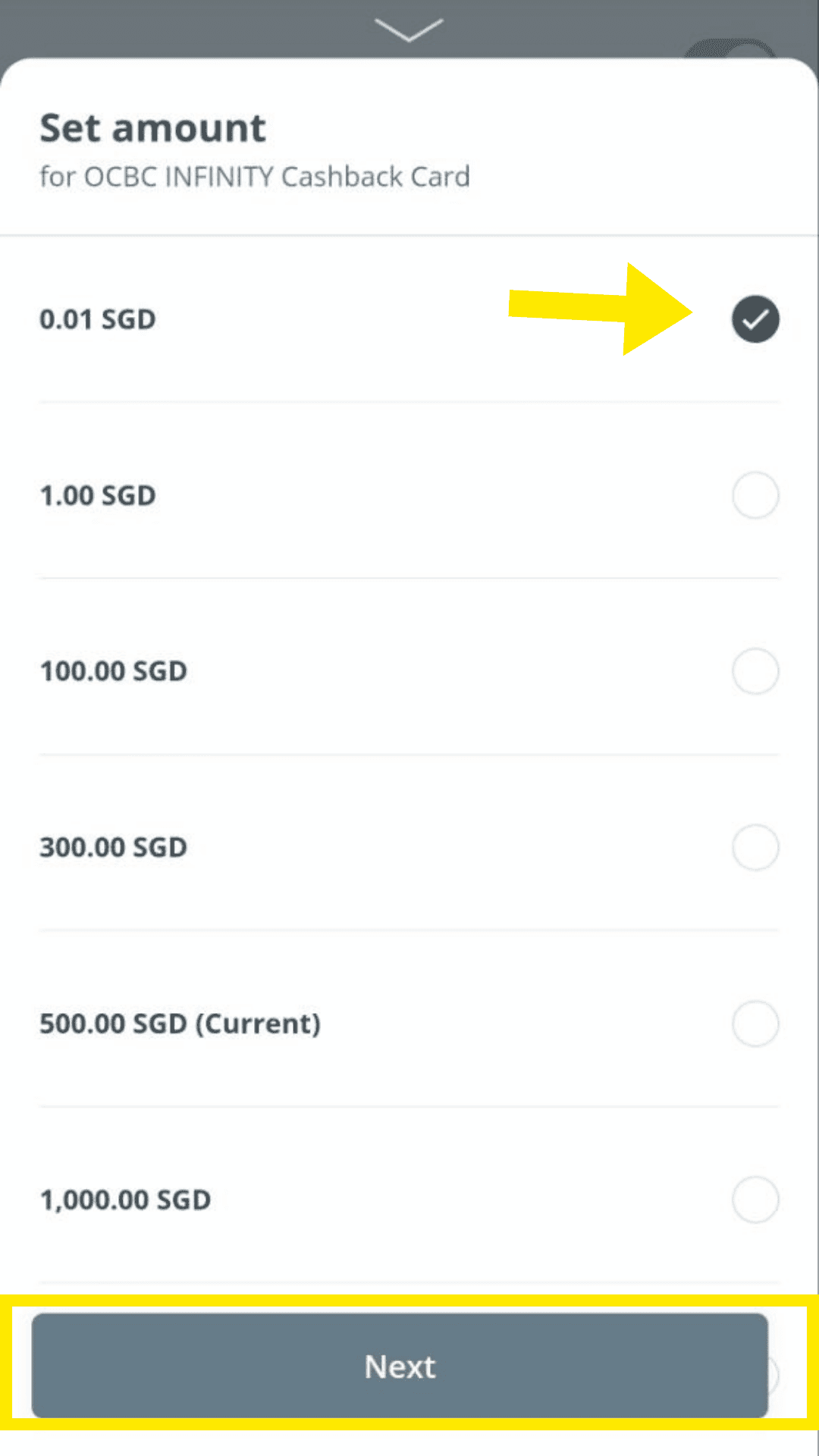
Click on $0.01 to track all transactions, ensure Email notification is enabled and click Next. Make sure the email used is the one you will forward to TakoFin.