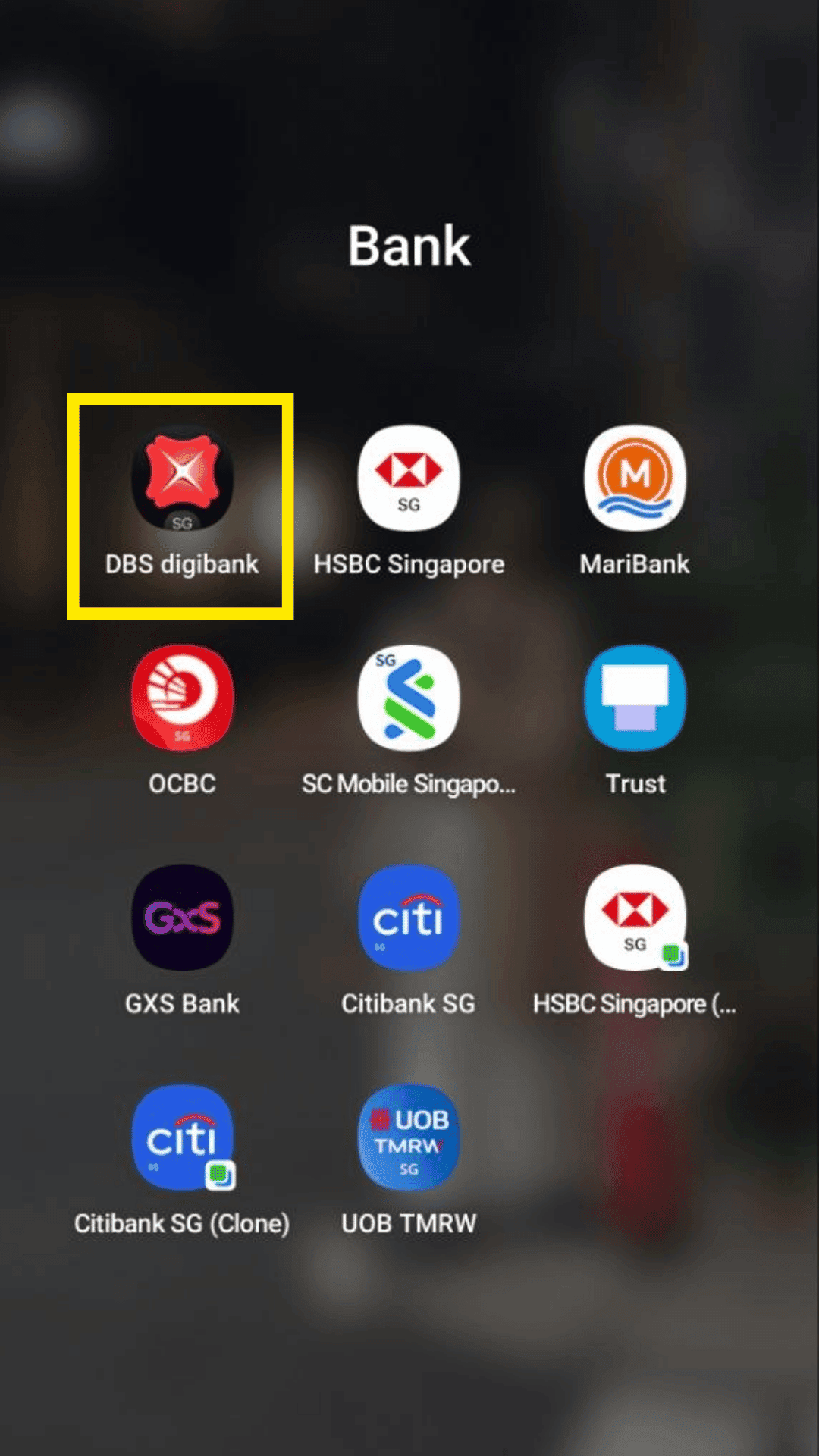
Step 1
Open and login to your DBS digibank app.
Bank guide
Enable transaction-alert emails inside your mobile banking app.
Step 1
Open and login to your DBS digibank app.
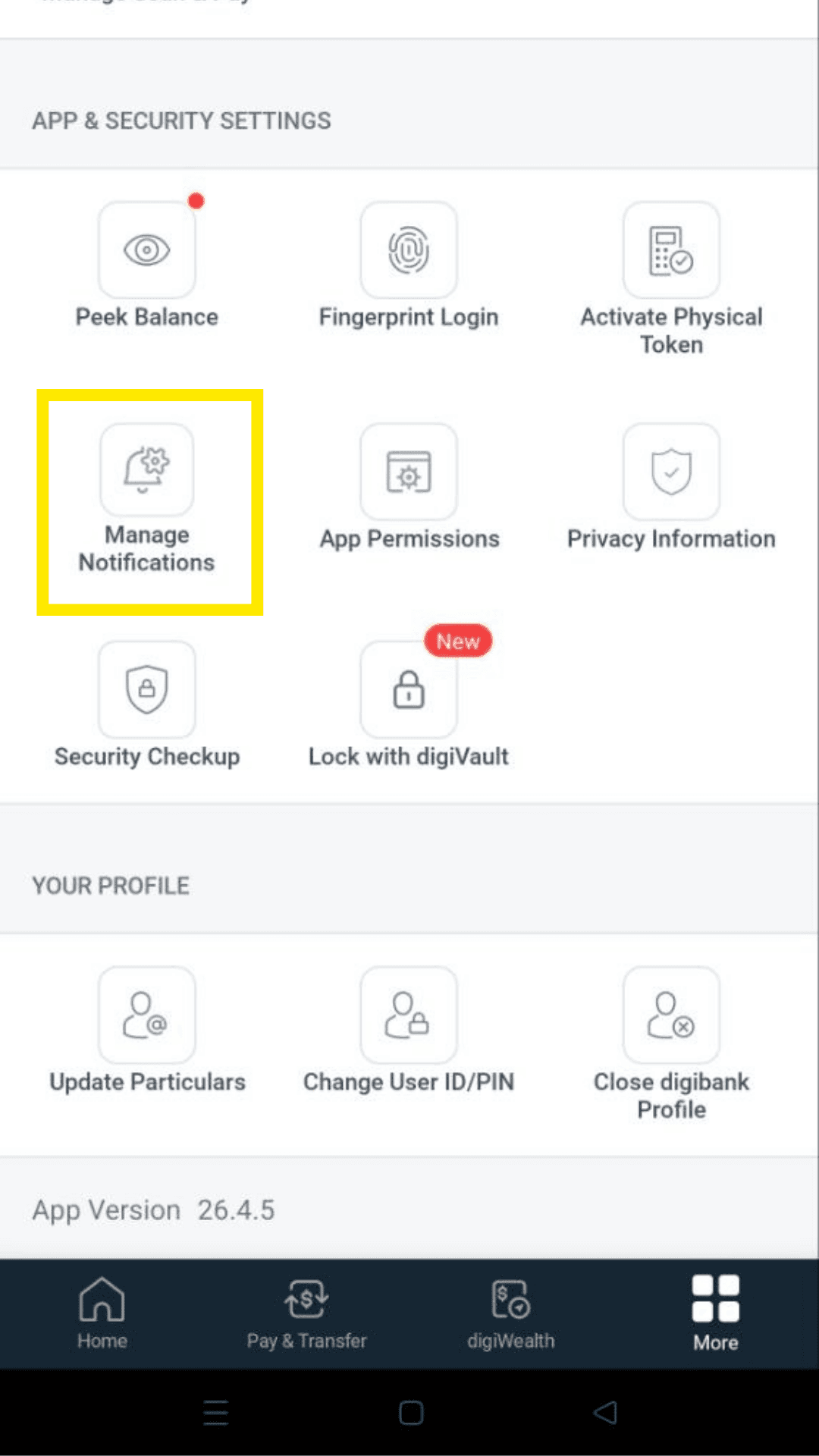
Step 2
Go to more and click on Manage Notifications.
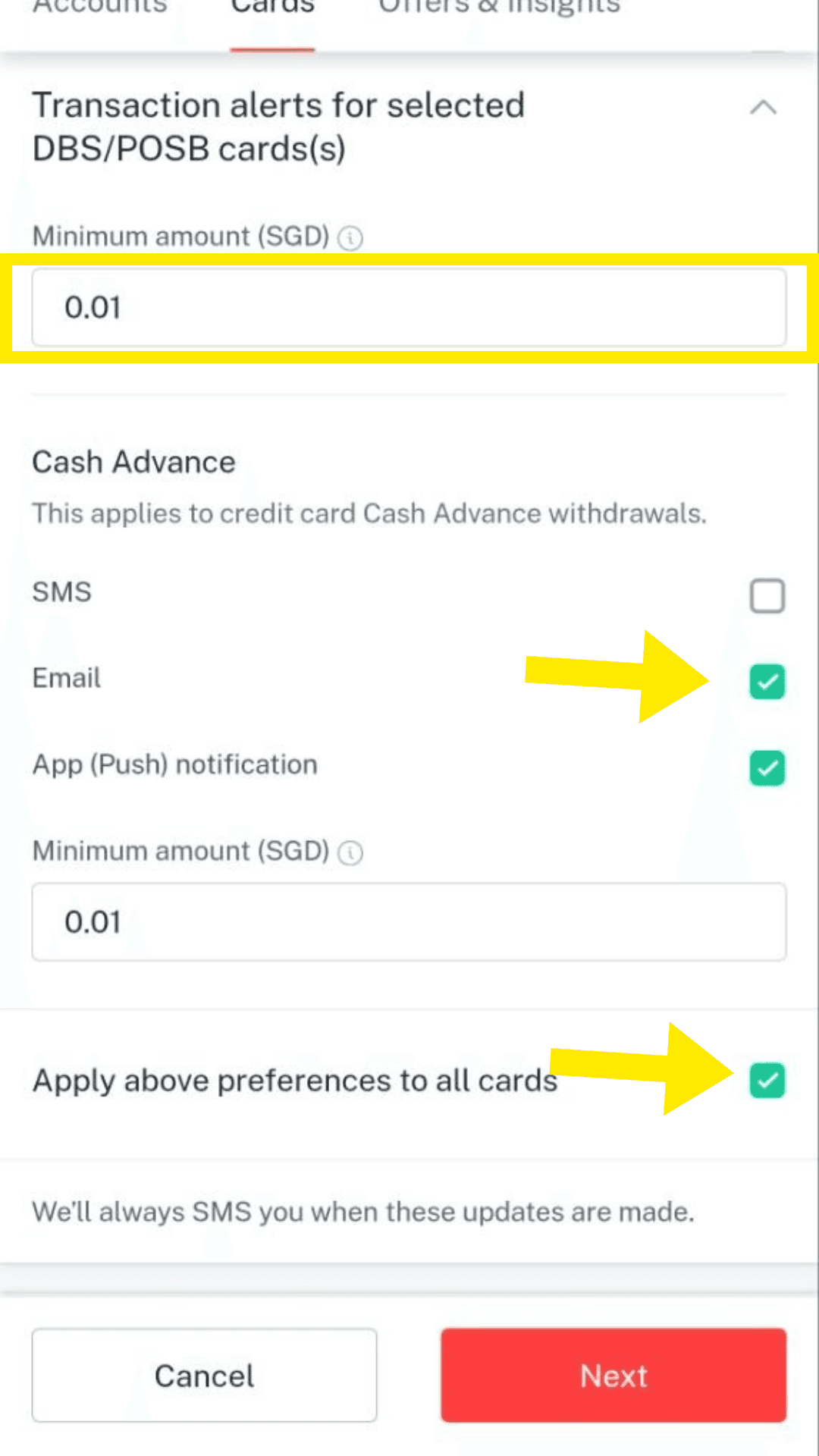
Step 3
Enter $0.01 to track all transactions, and ensure that Email notification is enabled. You can select "Apply above preferences to all cards" if you want to track them all.
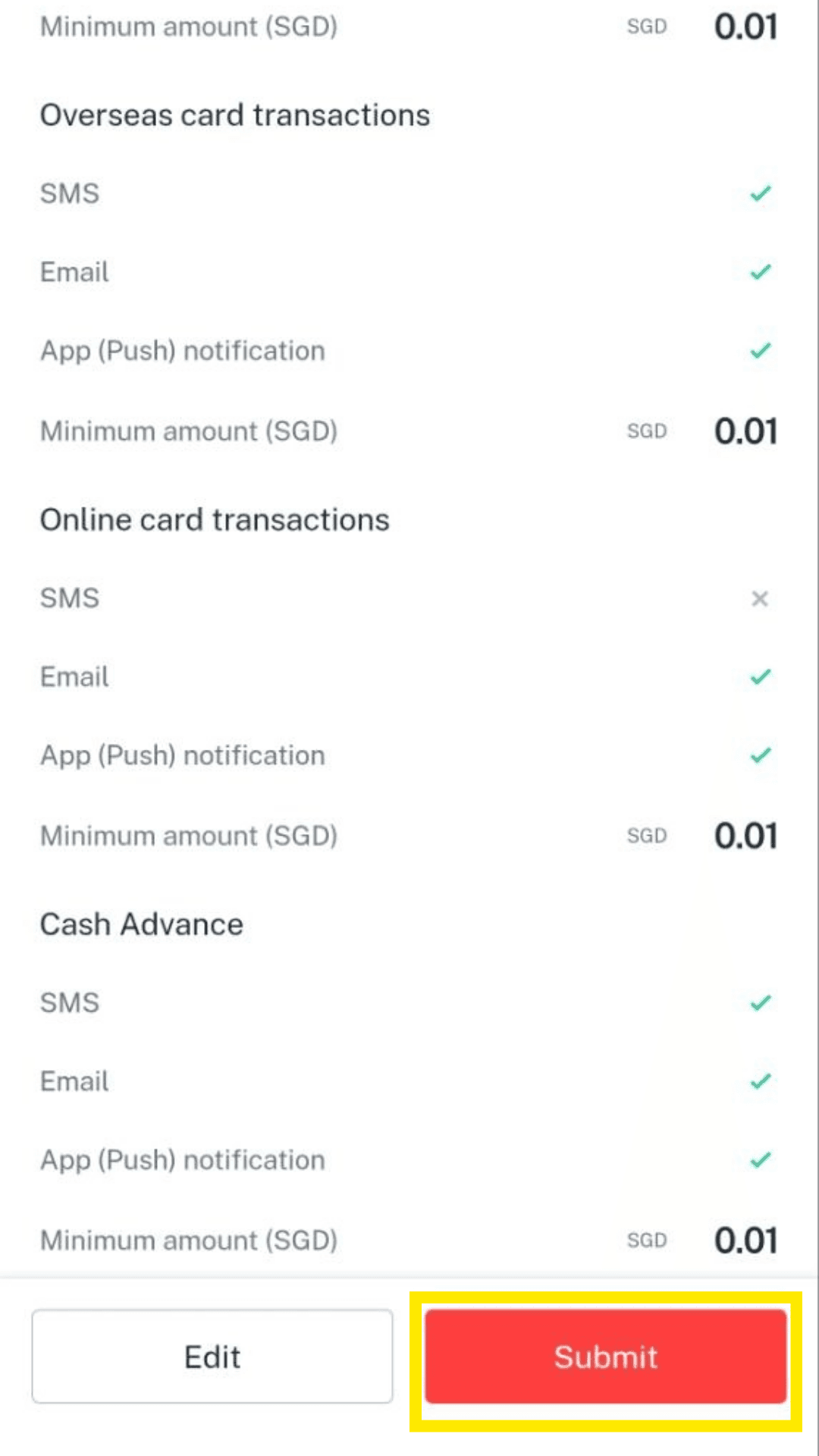
Step 4
Confirm and submit your preferences and you should start receiving email alerts for your transactions. Make sure they are sent to the Gmail inbox you will forward to TakoFin.