Step 1
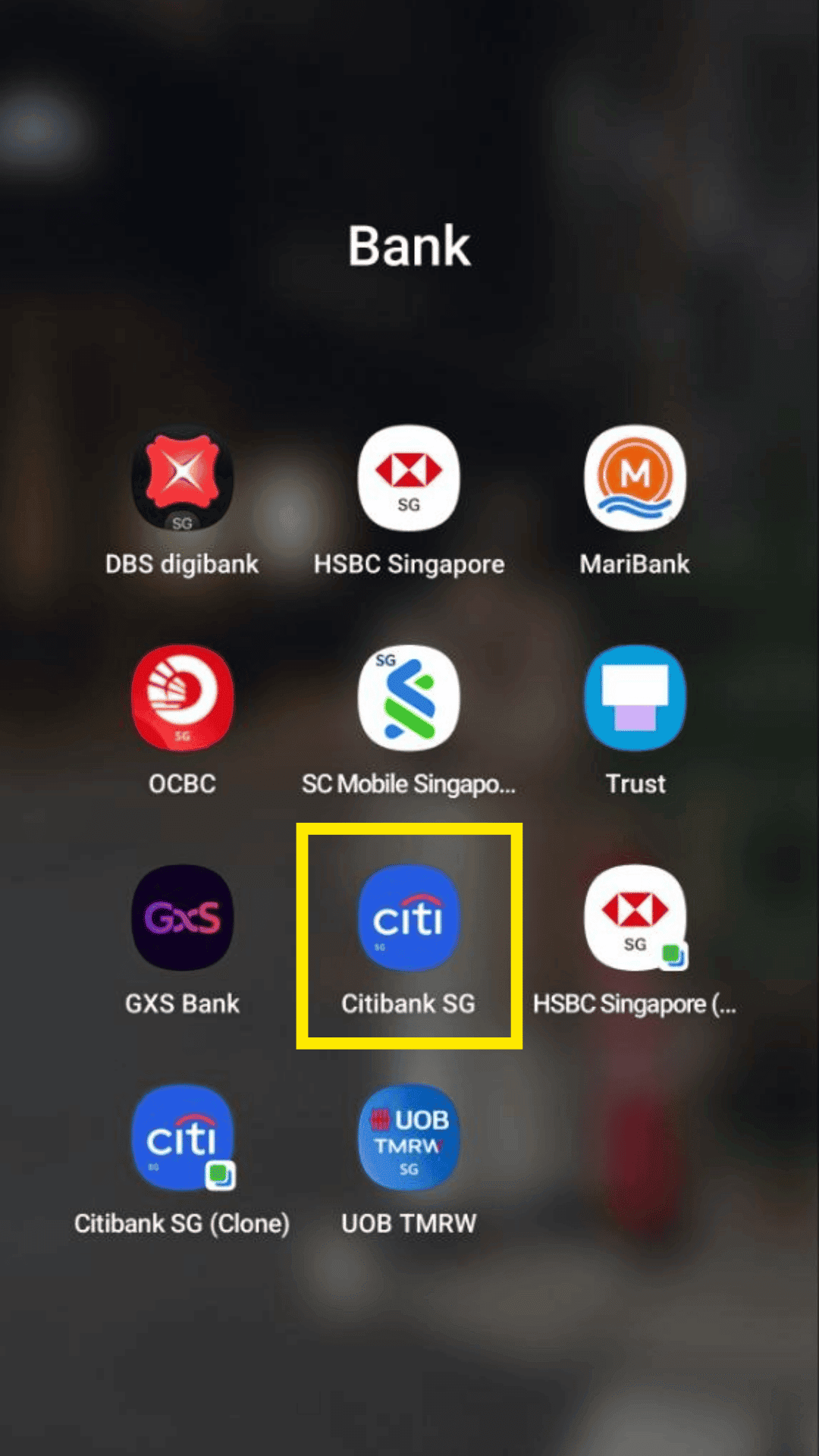
Open and login to your Citibank mobile banking app.
Bank guide
Enable transaction-alert emails inside your mobile banking app.
Step 1
Open and login to your Citibank mobile banking app.
Step 2
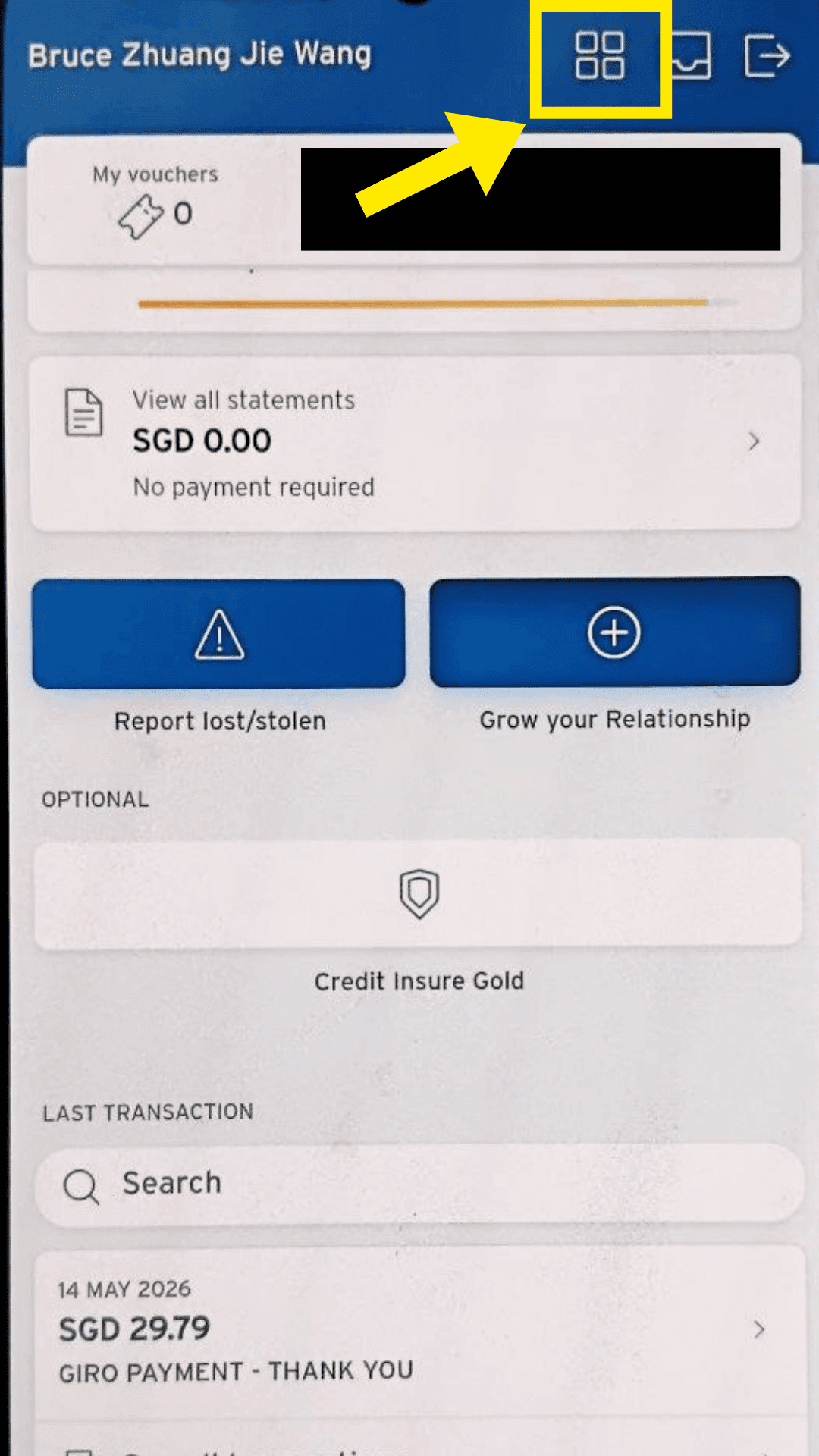
Click on the menu icon.
Step 3
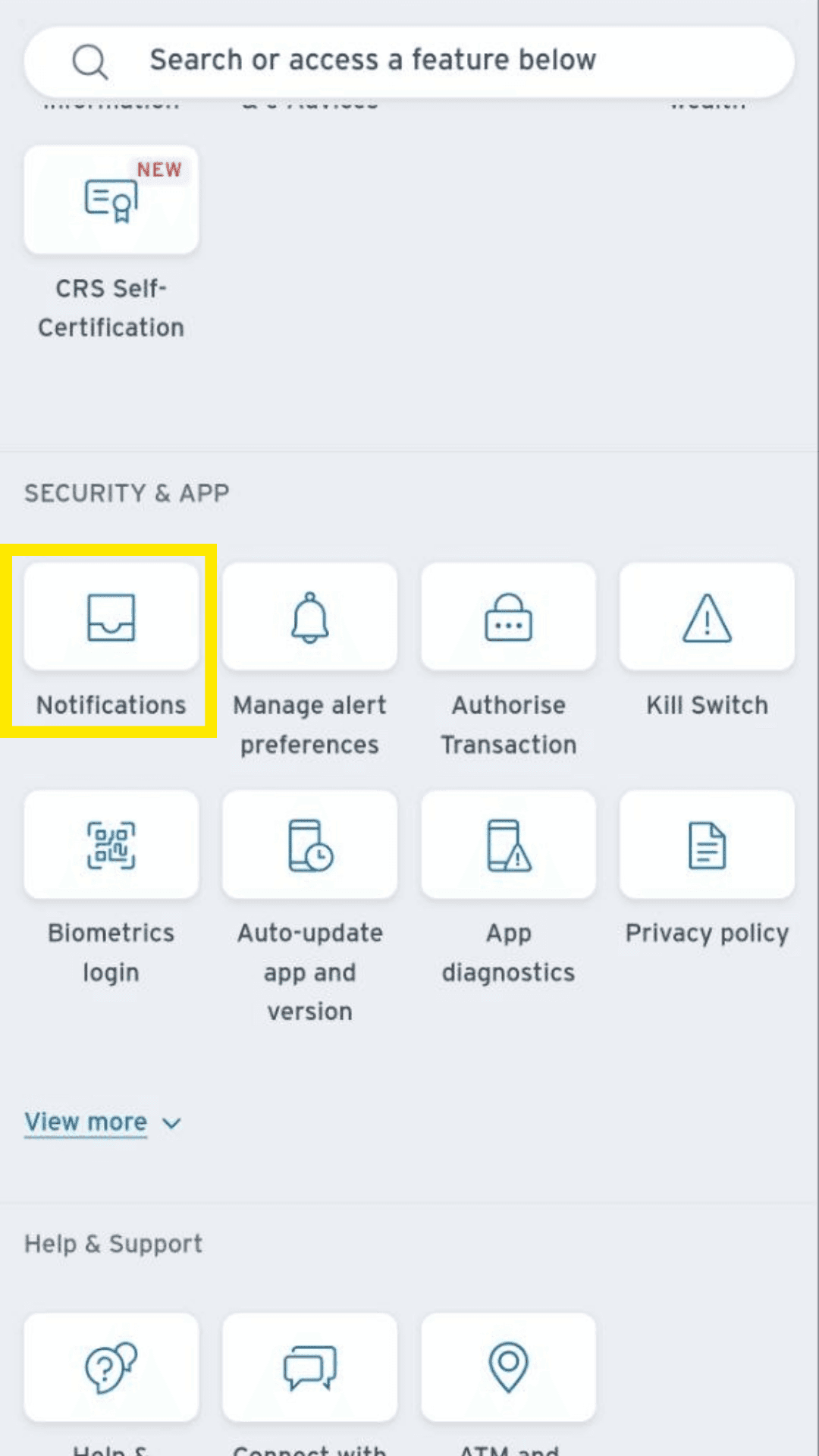
Click on Notifications under Security & App.
Step 4
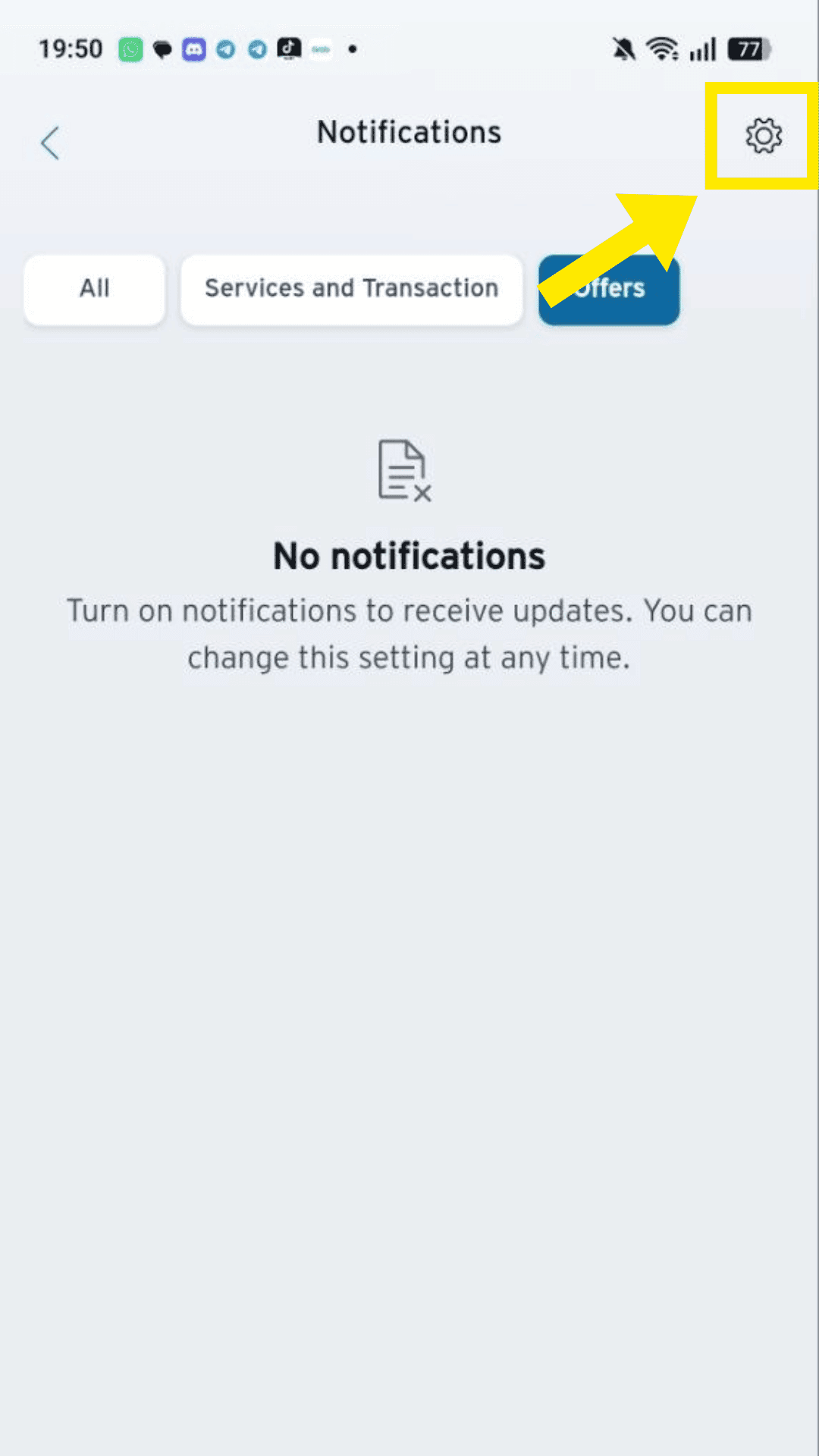
Click on Settings Gear Icon.
Step 5
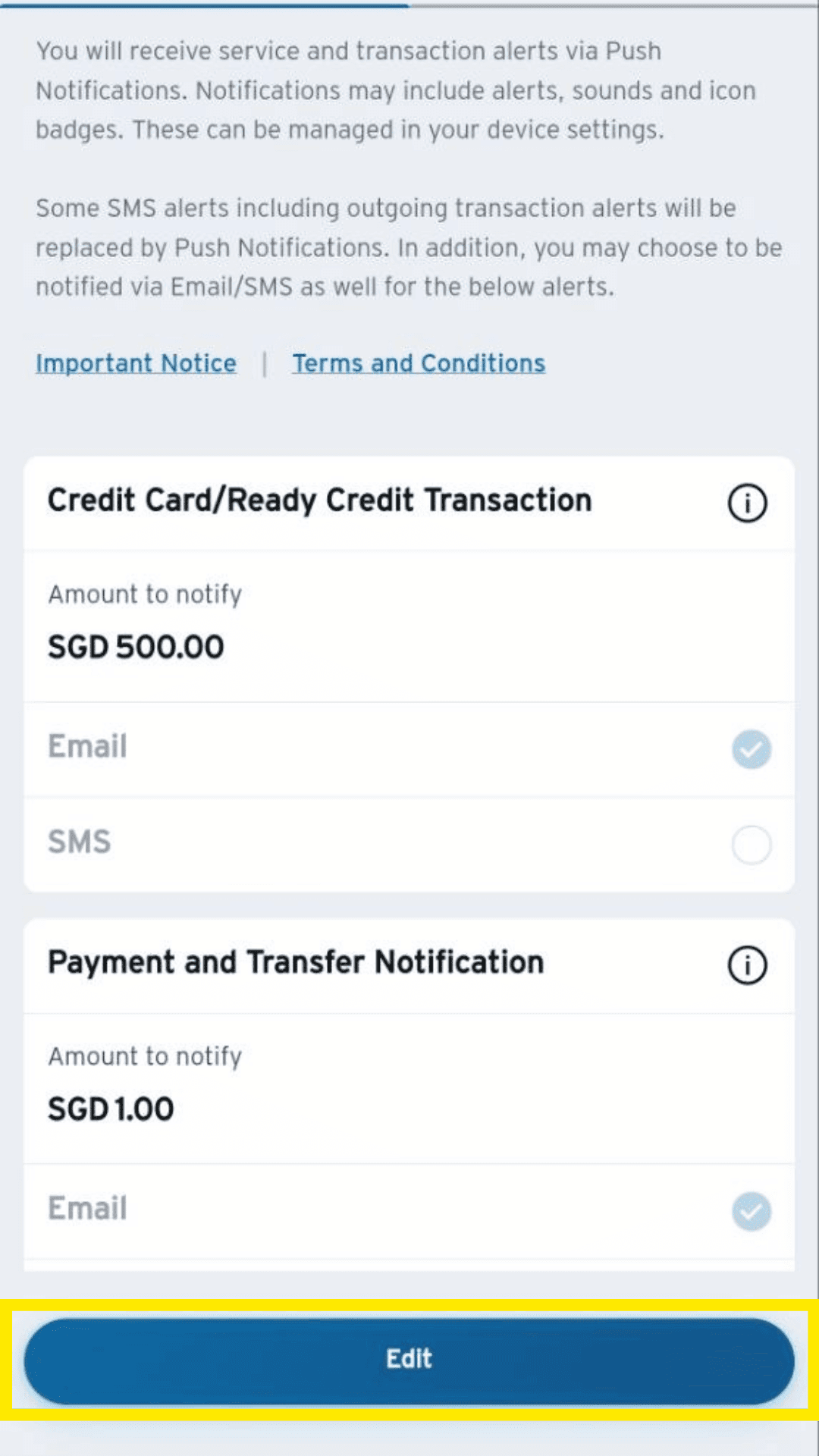
Click on Edit.
Step 6
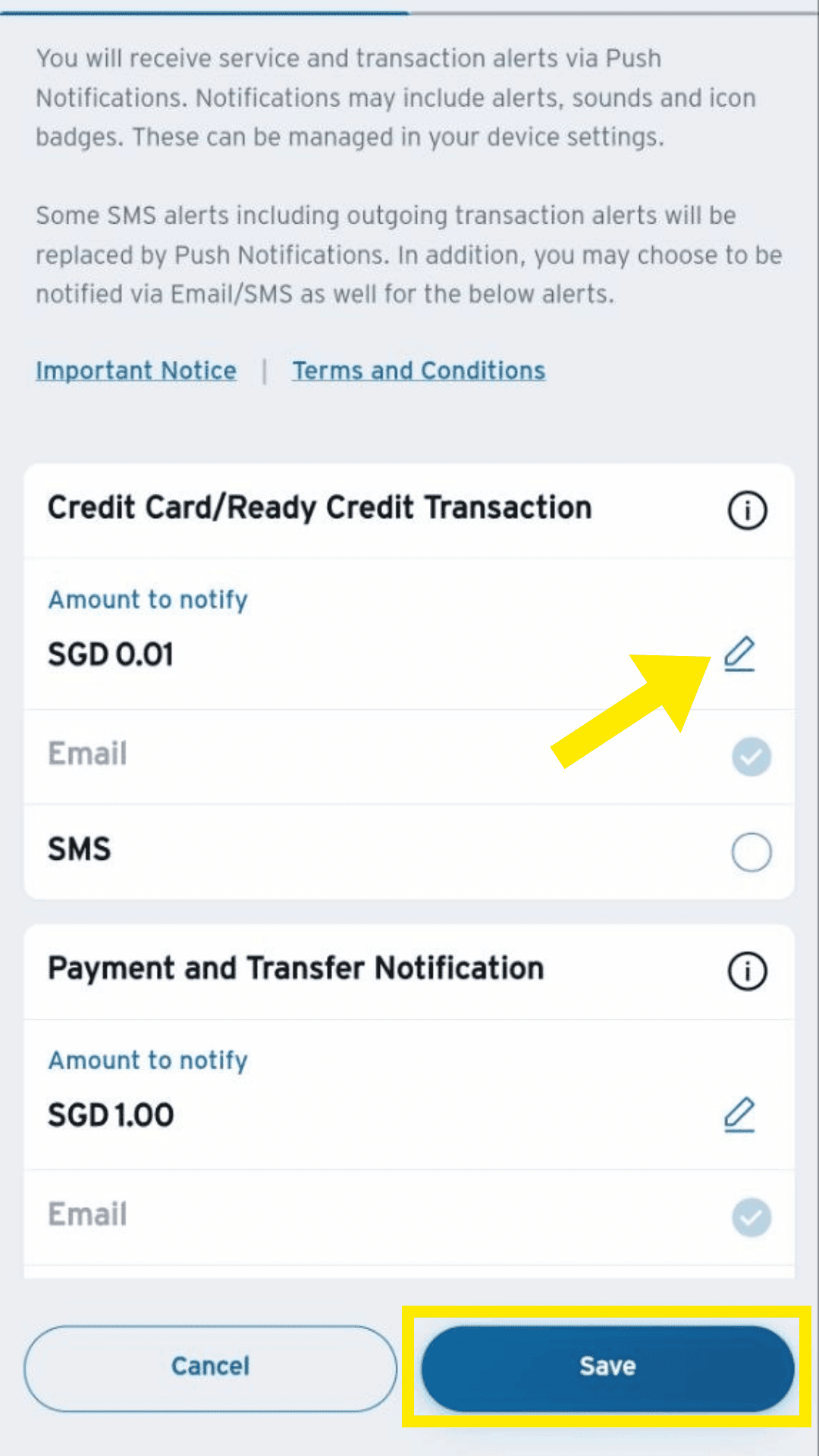
Update amount to notify to $0.01 to get alerts on all transactions. Make sure the email used is the one you will forward to TakoFin.